EN



How to Choose a Wireless TENS Unit: Which Product Type Fits Your Needs?
With so many TENS devices offering different designs, programs, and control methods, it is easy to compare products only by price, program count, or maximum intensity.
However, more programs and higher output do not necessarily make a TENS unit better for every user.
Before choosing a product, consider:
- Whether you normally use TENS on one area or different areas;
- Whether you frequently change electrode placement;
- Whether you need one or two wireless controllers;
- Whether you prefer physical controls or app-based operation;
- Whether you need heat or muscle stimulation;
- How the device handles intensity adjustment and electrode disconnection.
TENS is commonly used to provide temporary pain relief, but individual responses vary. If you are unsure what is causing your pain, consult a healthcare professional before using a TENS unit.
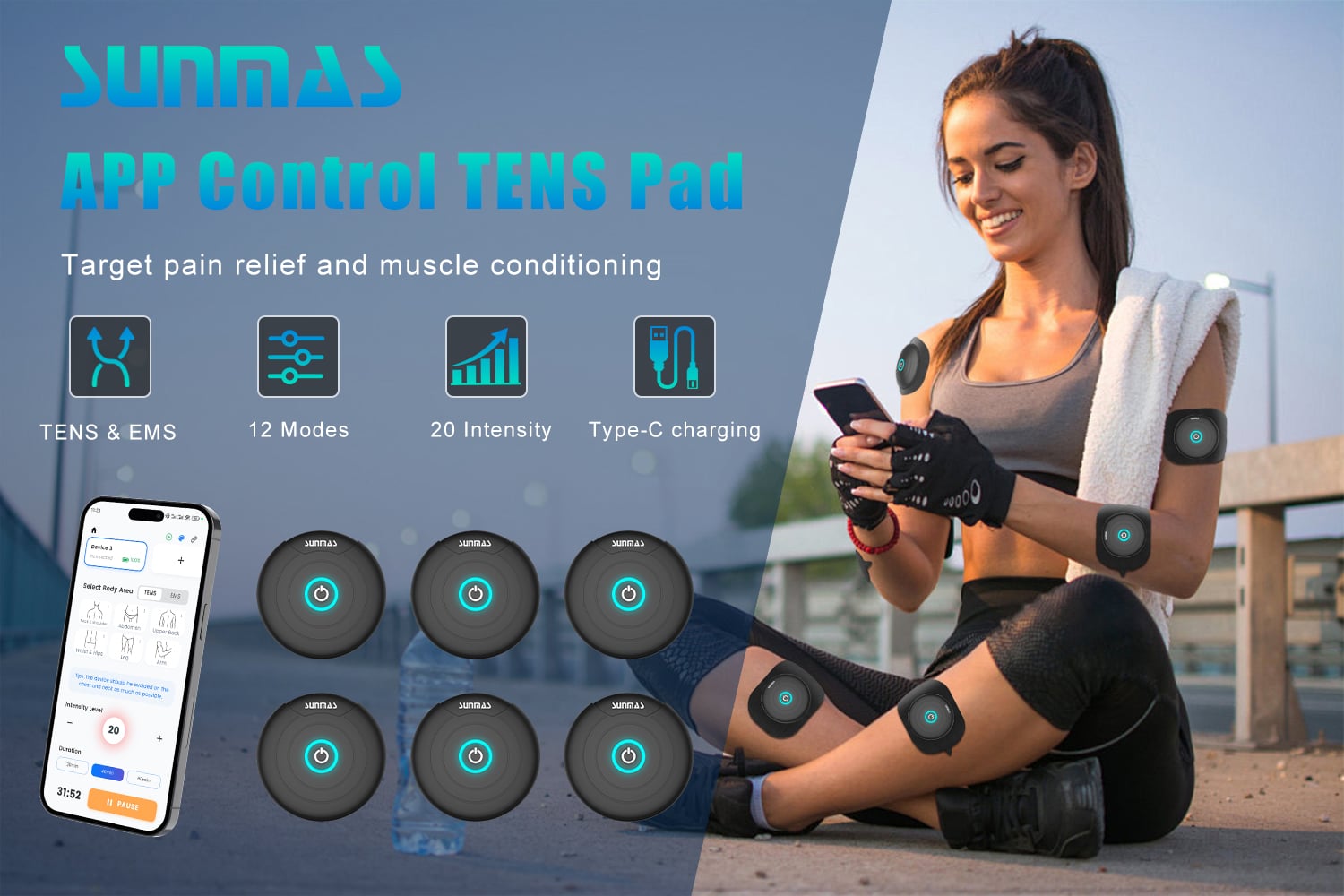
Start by Identifying the Type of Device You Need
TENS, EMS, and heat-based electrotherapy products may look similar, but they are designed for different needs.
| Main need | Product type to consider | Why |
|---|---|---|
| Occasional use on one area | Single-controller TENS unit | A simple design may cover basic local use |
| Frequent use on different areas | Dual-controller wireless TENS | Two controllers provide greater placement flexibility |
| No traditional handheld remote | App-controlled wireless TENS | Main settings are managed through a smartphone |
| Muscle activation or training | EMS or TENS/EMS combination device | EMS is designed to stimulate motor nerves and muscle contraction |
| Electrical stimulation with warmth | TENS and heat combination device | Standard TENS does not provide heat |
| Fixed multi-electrode setup | Wired multi-channel TENS | More suitable for controlled or stationary environments |
| One app managing two controllers | Dual-controller app-based TENS | Reduces the need to manage separate remotes |
If muscle activation is your main goal, look for an EMS device. If warmth is important, choose a product that specifically combines heat with electrical stimulation.

What Should You Consider When Choosing a TENS Unit?
1. Will You Use It on One Area or Different Areas?
If you normally use TENS on one location, a single controller may cover your basic needs.
If you frequently move between different areas permitted by the product instructions, or want to prepare two controller-and-electrode setups, a dual-controller system can provide more flexibility.
Keep in mind that having two controllers does not automatically mean they can operate simultaneously or use separate settings. These functions should be confirmed in the product instructions.
2. Wired or Wireless?
A wired TENS unit normally connects adhesive electrodes to a handheld controller. The controls are direct, but users need to manage the lead wires during use.
A wireless TENS unit moves the main controls into a mobile app and reduces the need for a traditional handheld remote and long connection wires.
However, “wireless” does not mean electrode-free. TENS still requires compatible electrodes to deliver stimulation through the skin.
3. Are More Programs Always Better?
Not necessarily.
The number of programs only tells you how many pulse patterns the device provides. It does not guarantee better results.
More important questions include:
- Are the programs noticeably different?
- Is the purpose or sensation of each program easy to understand?
- Can the intensity be adjusted gradually?
- Does the device start at a low intensity?
- Can users find a strong but comfortable sensation without pain?
Research has not established that one TENS frequency or program is always best for a particular chronic pain condition. A numbered program should not automatically be presented as a treatment for a specific disease.
4. Does It Offer Fine Intensity Control?
People respond differently to electrical stimulation. The same setting may feel mild to one person and too strong to another.
A larger number of intensity steps makes it easier to increase stimulation gradually and find a comfortable level.
Instead of comparing only the maximum output, check whether:
- The device begins at a low intensity;
- The intensity increases in manageable steps;
- The controls are easy to understand;
- The intensity resets when electrode contact is lost.
5. Can the Session Time Be Adjusted?
A useful timer should do more than offer a long maximum session.
Check whether the device:
- Has a reasonable default session time;
- Allows the duration to be adjusted;
- Shows the remaining time clearly;
- Stops automatically when the countdown ends;
- Shuts down after an extended period without output or operation.
6. What Happens If Electrode Contact Is Lost?
This is one of the most important but frequently overlooked product features.
If an electrode is not connected correctly or becomes detached during use, the device should stop its output instead of continuing at the previous intensity.
Load detection, automatic output interruption, and intensity reset make the operating process more controlled.
7. Is the App Easy to Understand?
When choosing an app-controlled TENS unit, do not look only for the presence of an app.
Also consider whether:
- The app can reliably identify connected controllers;
- Multiple controllers are easy to distinguish;
- The status shown in the app matches the hardware;
- Programs, intensity, and session time are easy to adjust;
- The controller still has a basic physical power button.
8. Is Charging and Daily Maintenance Convenient?
Wireless products require regular charging, so it is also worth checking:
- Whether the device uses a common USB-C connection;
- How long charging takes;
- Whether charging and low-battery indicators are clear;
- Whether stimulation is disabled during charging;
- Whether replacement electrodes and accessories are readily available.
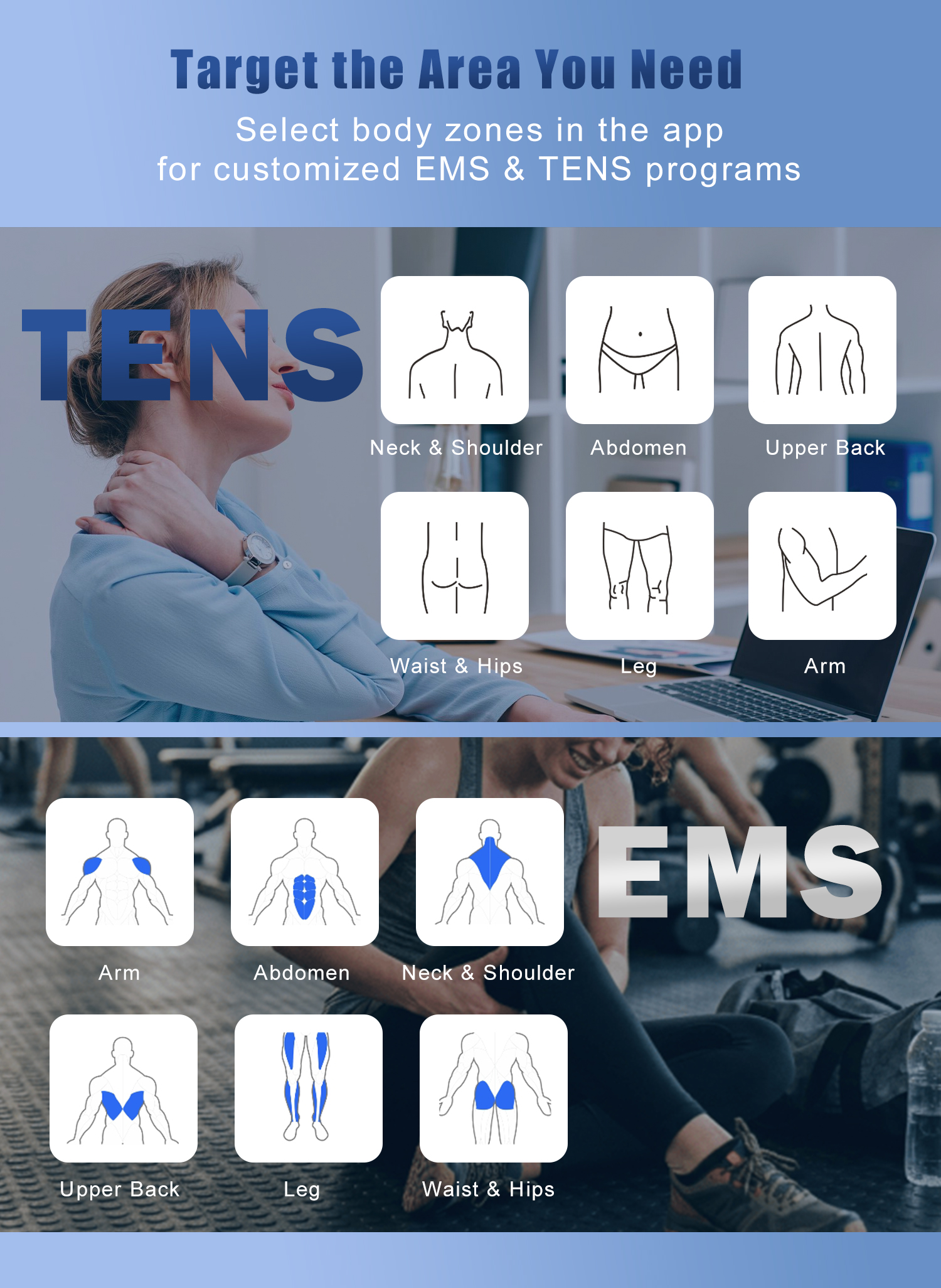
How Should You Choose a TENS Program?
TENS programs are better selected according to the stimulation experience they provide, rather than by matching a program number to a disease.
| Program type | General sensation | May appeal to users who prefer |
|---|---|---|
| Steady output | Consistent stimulation rhythm | A stable and predictable sensation |
| Frequency modulation | Stimulation speed changes over time | More variation during a session |
| Intensity ramping | Stimulation gradually rises, holds, or falls | A less abrupt change in sensation |
| Mixed or alternating pattern | Multiple stimulation rhythms in one program | A more varied experience |
| Intermittent or grouped pulses | Stimulation alternates with short pauses | A clearly defined pulsing rhythm |
People with similar symptoms may prefer different programs.
A practical approach is to:
- Begin at a low intensity;
- Increase gradually until the sensation is clear but comfortable;
- Avoid settings that cause pain or intolerable discomfort;
- Follow the approved instructions for electrode placement and session duration.
The SM9571 programs should not be labeled as “back pain mode,” “arthritis mode,” or similar condition-specific programs unless those claims are supported by the approved product instructions and target-market registration.
Why Does the SM9571 Offer Greater Flexibility?
The main advantage of the SM9571 is not simply that it offers 12 programs. Its value comes from combining two wireless controllers, app-based control, fine intensity adjustment, and practical operating safeguards.
One App Controls Two Wireless TENS Controllers
The SM9571 system is designed so that one app can identify and control two wireless TENS controllers.
Each controller has a different Bluetooth identifier, allowing the app to distinguish between the connected units.
This provides greater flexibility for users who regularly change between different permitted placement areas or want to prepare two controller-and-electrode setups.
Specific control options should follow the final app configuration and product instructions.
12 Stimulation Programs
The SM9571 offers 12 programs, including steady output, frequency changes, intensity ramping, and alternating pulse patterns.
Rather than assigning each program to a disease, users can select a program according to their preferred stimulation rhythm and sensation.
20 Intensity Levels
Every program provides 20 intensity levels.
When the controller is switched on, the intensity begins at level 0. Output starts only after the user actively selects an intensity, preventing the device from immediately returning to a previous setting.
Session Timing of up to 60 Minutes
The default session time is 20 minutes. Through the app, users can adjust the session duration up to 60 minutes.
The controller stops automatically when the countdown ends.
Automatic Output Interruption
The SM9571 cannot begin stimulation if it does not detect a valid load.
If electrode contact is lost during operation, the controller immediately stops its output and resets the intensity to level 0.
The device also shuts down automatically after five minutes without output or operation.
USB-C Charging and Physical Power Control
The SM9571 uses a USB-C charging connection and takes approximately two hours to charge from a low battery level.
Each controller retains a physical power button. Press and hold for two seconds to switch it on and three seconds to switch it off.
Who Is the SM9571 Designed For?
The SM9571 is particularly suited to users who:
- Regularly change between different placement areas permitted by the instructions;
- Want to manage two wireless controllers from one app;
- Prefer fewer handheld controls and long connection wires;
- Want multiple stimulation patterns and fine intensity adjustment;
- Value contact detection, intensity reset, and automatic shutdown;
- Prefer a portable wireless design with USB-C charging.
Frequently Asked Questions
Does a TENS unit with more programs work better?
Not necessarily. Program count is only one factor. Intensity adjustment, electrode detection, timer control, app usability, and electrode compatibility are also important.
Which SM9571 program is best for a specific type of pain?
The 12 programs are organized by pulse pattern rather than by disease. Users should follow the product instructions, begin at a low intensity, and choose a comfortable program.
Can one app control two SM9571 controllers?
Yes. The SM9571 system allows one app to identify and control two wireless TENS controllers. Specific control options depend on the final app configuration.
Is a higher intensity always better?
No. Stimulation should feel clear and strong but remain comfortable. It should not cause pain or intolerable discomfort.
What happens if an electrode becomes detached?
The controller immediately stops output and resets the intensity to level 0.
Can the SM9571 be used while charging?
No. The controller cannot be switched on or deliver stimulation during charging.
Choose a TENS Unit That Fits Real-Life Use
When comparing TENS products, do not focus only on the number of programs or maximum intensity.
Consider where the device will be used, how many controllers are needed, how clearly the intensity can be adjusted, and what happens when electrode contact is lost.
For users looking to manage two wireless TENS controllers from one app while maintaining flexible settings and practical operating safeguards, the SM571 provides a complete wireless TENS solution.